
Appraisers
Appraisal Technology
Business Growth

Delivering an appraisal report does not always mean the assignment is finished.
A client may identify a missing document, request clarification, question a piece of property information, or submit a correction that requires the appraiser’s attention. The request itself may be reasonable, but the way it enters the business can create unnecessary problems.
When corrections arrive through emails, phone calls, text messages, and separate client systems, administrators can quickly lose visibility. Requests may be forwarded without review, supporting information may be missing, and the appraiser may receive multiple versions of the same correction.
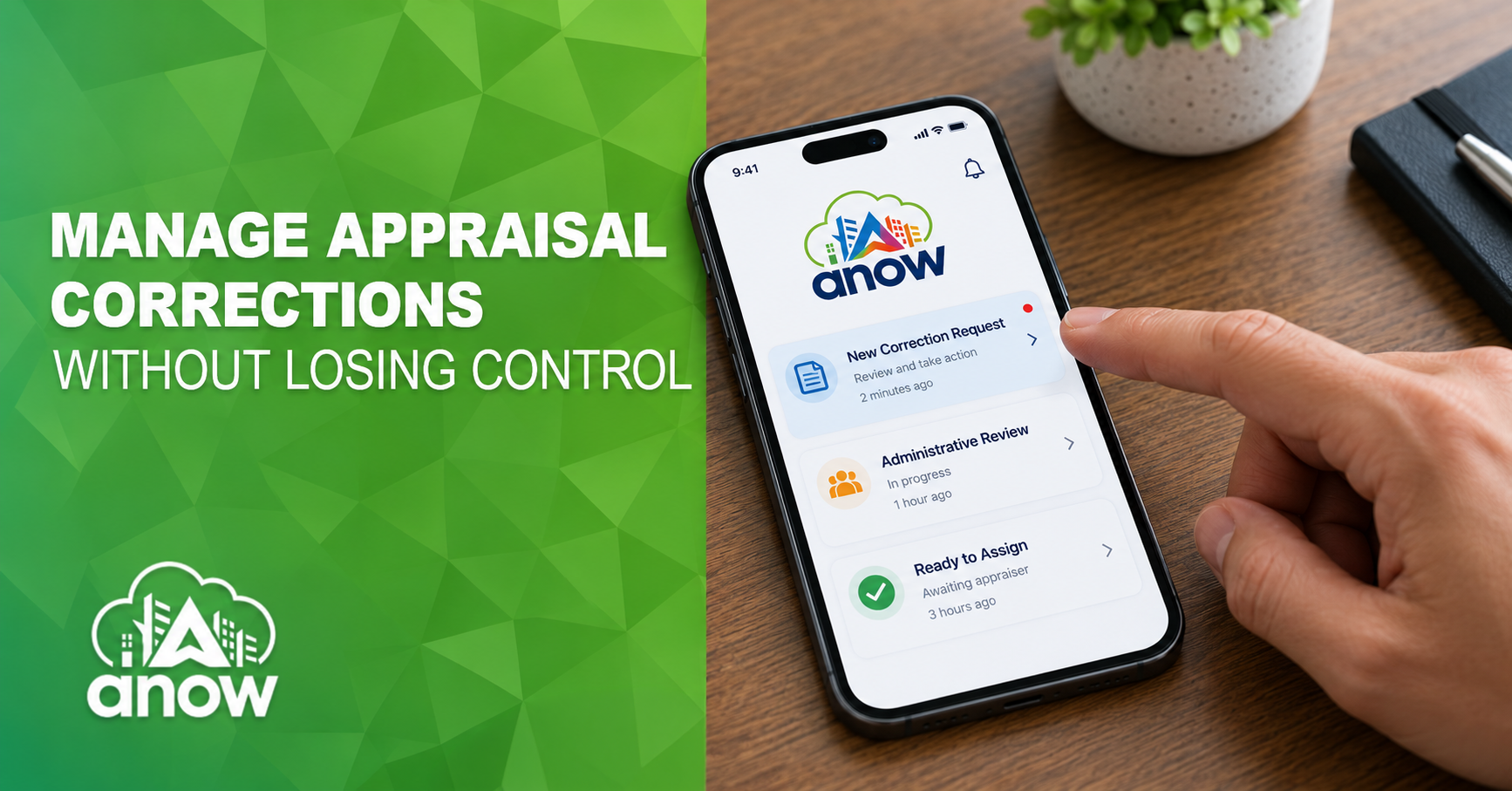
A controlled appraisal correction workflow gives the administrative team an opportunity to review, document, and route each request before it reaches the appraiser.
The word “correction” can describe several different types of client requests.
A client may be reporting a typographical error, providing a missing document, asking for clarification, requesting an update to factual property information, or questioning an element of the appraiser’s analysis.
These requests should not automatically follow the same path.
Administrative review helps the business identify what the client is asking for and determine what information must accompany the request. It also helps distinguish a straightforward correction from a request that may require additional documentation, a more detailed response, or careful consideration by the appraiser.
This process is not intended to interfere with an appraiser’s professional judgment. It creates an organized way to ensure the appraiser receives a clear, complete, and properly documented request.
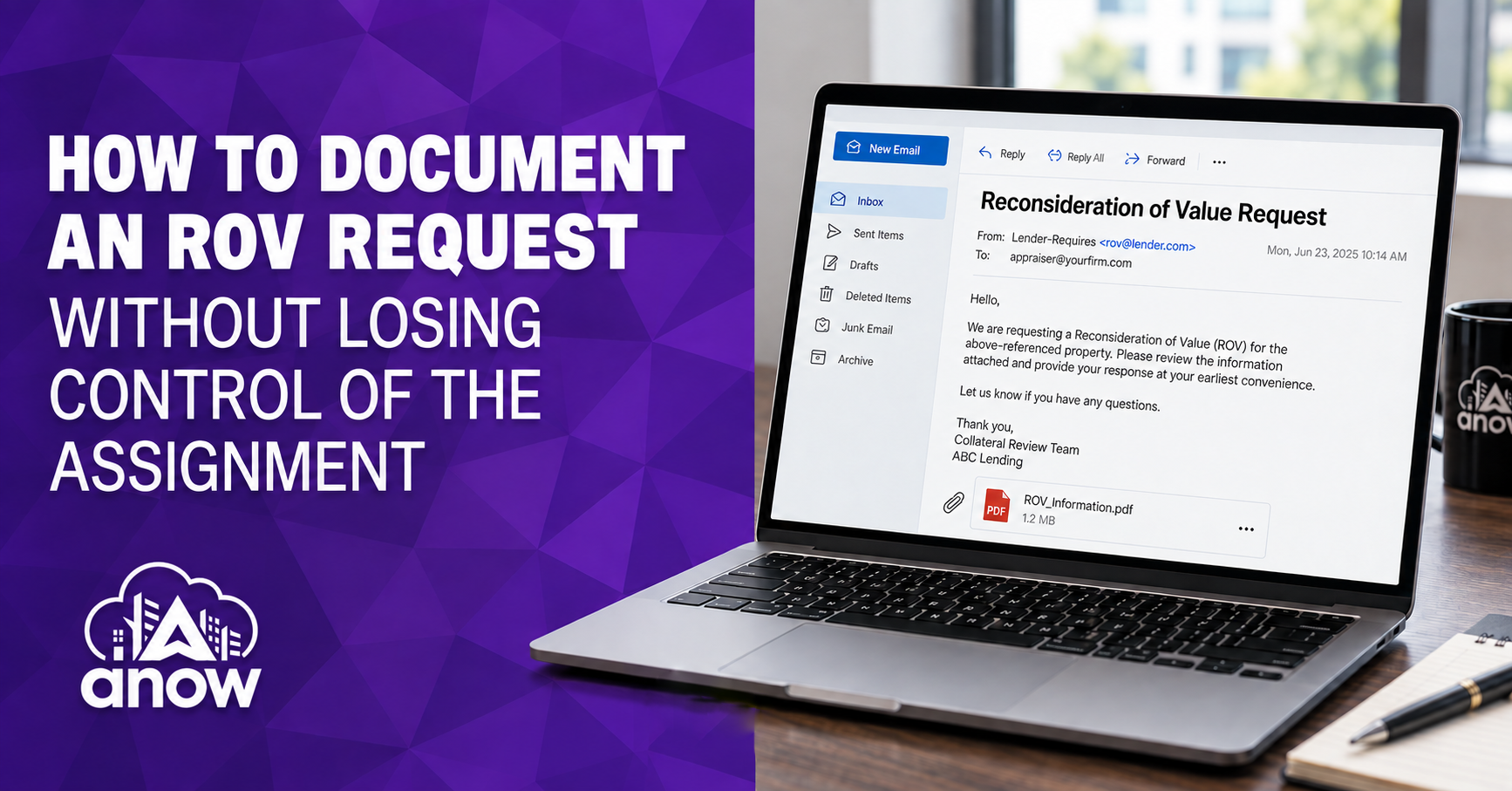
Email makes it easy to send a correction but difficult to manage.
A request may be sent to the owner, an office administrator, and the assigned appraiser separately. Each person may respond without knowing that someone else is already handling it. Attachments can get separated from the original order, and important instructions may get buried in a long email chain.
These communication gaps are among the reasons email-based appraisal tracking can cost a business.
A better process gives clients one defined place to submit requests. The correction, supporting documents, messages, and resulting activity can then remain connected to the appropriate order.
ANOW Connect gives clients a dedicated portal to place orders, monitor progress, exchange information, and access assignment details. Keeping post-delivery requests inside that connected environment gives the appraisal office a clearer record of what was requested and how the team responded.
Allowing correction requests to move directly from the client to the appraiser may appear faster, but it can create more work.
The appraiser may receive an incomplete request and have to ask the client for additional information. A duplicate correction may already be in progress. The request may also have been submitted for the wrong property or contain instructions that require clarification.
The administrative review side of the workflow provides an important control point. Before sending the correction to the appraiser, an administrator can confirm:
If information is missing, the administrator can return to the client for clarification before interrupting the appraiser’s work.
This does more than reduce confusion. It allows appraisers to spend their time addressing complete, actionable requests instead of sorting through administrative details.

Every appraisal firm should define how a correction moves through the business. A basic process may include:
The process should also establish who can assign corrections, communicate with the client, approve delivery, and close the request.
Clear responsibilities become especially important for firms managing multiple appraisers. Without them, one employee may assume another person reviewed the correction, while the appraiser may not know which request has priority.
ANOW Office gives owners and administrators a centralized view of orders, assignments, schedules, documents, and communications. That visibility helps the office maintain control of the correction process without relying on separate spreadsheets or inbox reminders.
A correction can involve several messages, files, report versions, and decisions. If those items are stored in different places, reconstructing the history later may be difficult.
Keeping the complete correction record with the assignment helps the business answer essential questions:
A reliable order history supports accountability and gives authorized team members the context they need without asking someone to search through old emails.
It also helps prevent outdated report versions from being delivered after a correction has been completed.
Don't treat corrections as isolated tasks. Over time, they can reveal patterns that help the business improve.
Appraisal firms can monitor:
A high number of similar corrections may indicate that a checklist needs updating, a client requirement needs clarification, or the team needs additional training.
Connecting correction activity to a consistent appraisal quality-control workflow allows the business to use post-delivery feedback to strengthen pre-delivery review.
The goal should not be to eliminate every client question. It should be to identify preventable issues and create a more consistent process for handling the requests that remain.
Administrative oversight should clarify the correction process, not slow it down.
Establish response expectations for both the initial review and the appraiser’s follow-up. Use the order record to monitor status, identify overdue requests, and keep clients informed without repeatedly contacting the appraiser.
Administrators can manage the correction process while the appraiser retains responsibility for the appraisal analysis and professional response.
This balance protects appraiser independence, improves client communication, and gives the business greater control over work that continues after the original report is delivered.
Correction requests are part of the appraisal workflow. Manage them with the same structure as order intake, scheduling, document collection, quality control, and report delivery.
ANOW helps appraisal businesses keep correction requests connected to the order while giving administrators visibility into how those requests are reviewed, assigned, completed, and returned to the client.
Book an ANOW demo to see how a centralized appraisal workflow can help your team manage corrections with greater clarity, accountability, and control.